THE QUADRATIC CURVE

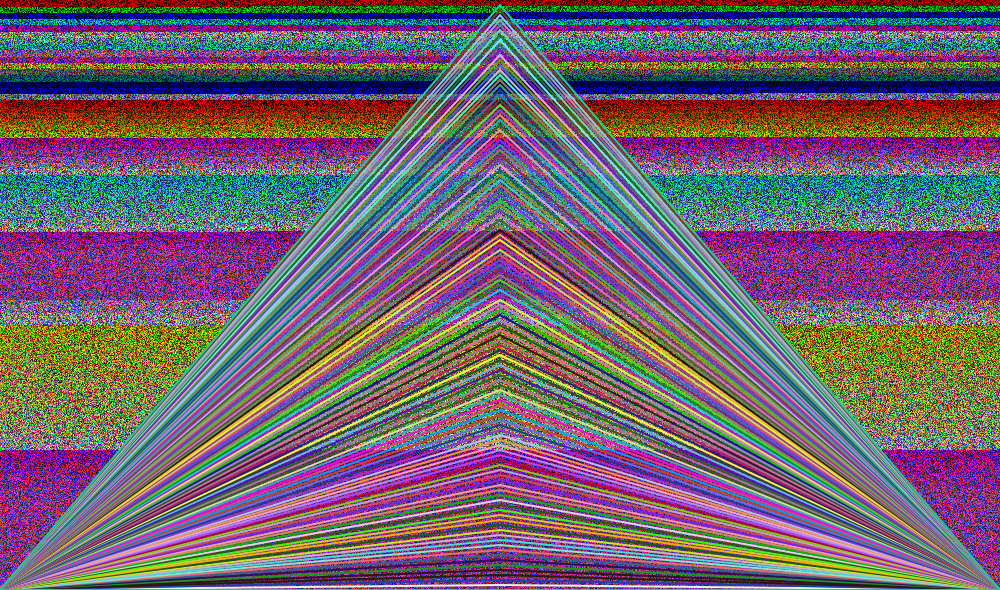
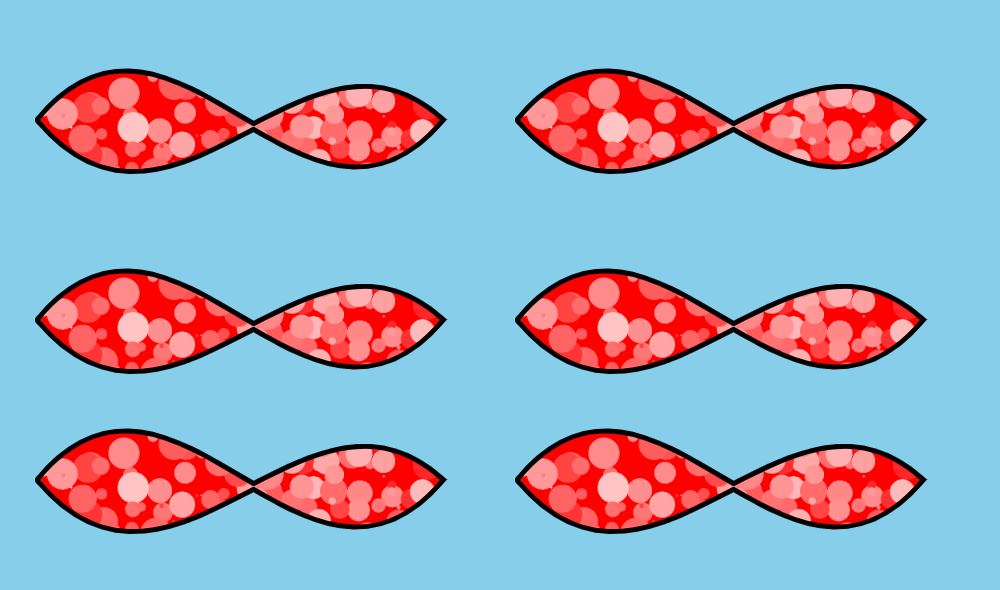
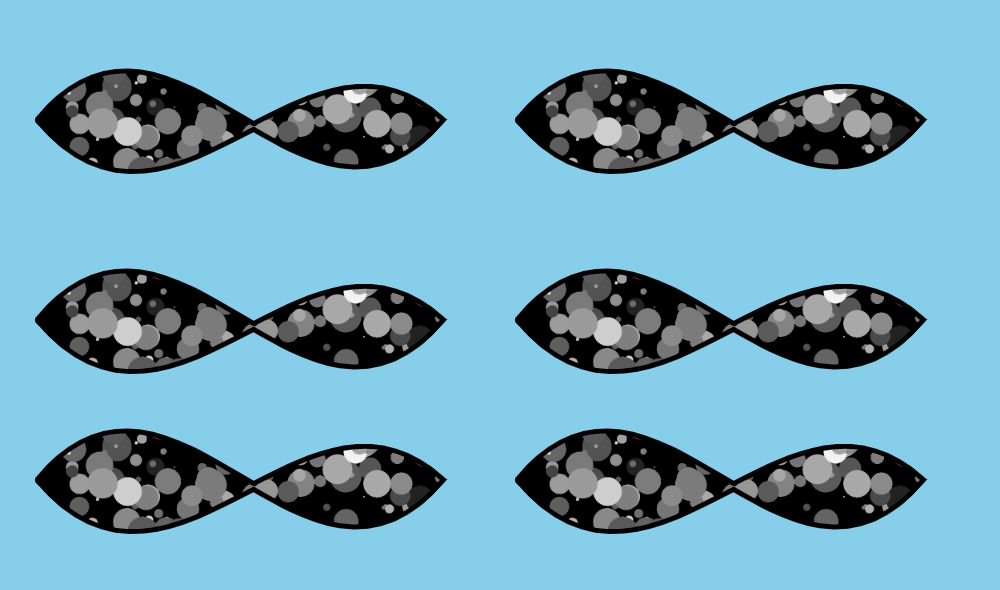
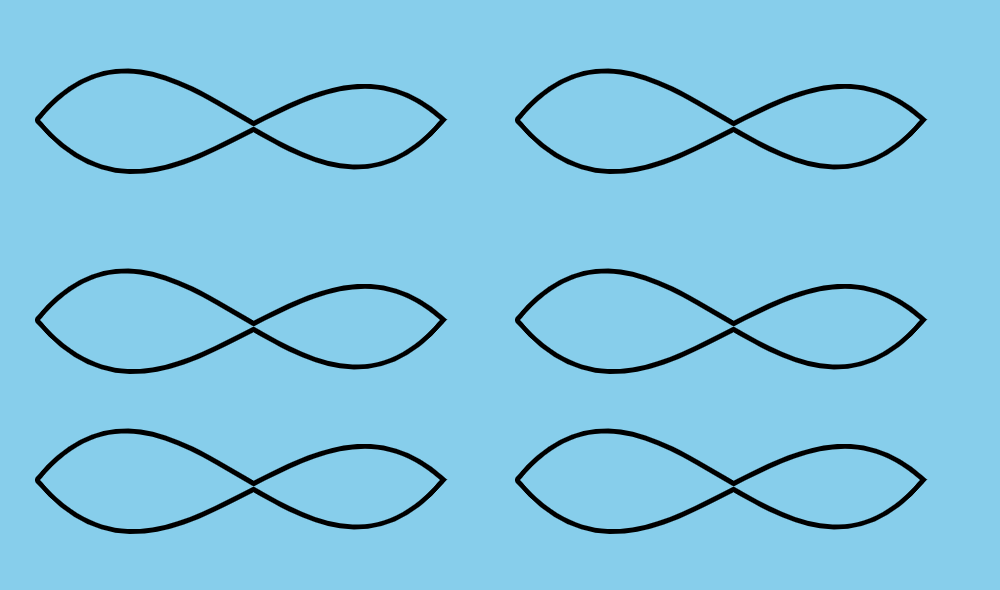
I drew a quadratic curve using the HTML5 Canvas Element. To draw a quadratic, you use a starting point, a control point and an end point. What I did was I used the request animation frame to change the value of the control point. When the control point hit a certain value, I changed the value of the starting point and then the ending point. I also used a counter variable to stop the animation when it hit a certain value.

CIRCLES

I used the SVG element and the circle element to create this animation. I also used a combination of HTML, CSS and JAVASCRIPT. I set up an SVG element with a circle inside. I used some CSS style such as making the webpage black. I used JavaScript to make the circle bigger and to change colors. I set up a variable called r1 and added 20 to the radius. I then set up a timer to change the variable. When the variable became greater than 290 it converted back to twenty where it started. I also set up an array with colors inside and used a random number to change the color of the circle.

BOX CARS

I finished a web page that used keyframe animations. I created a class called boxcars and put 4 divs inside them 2 divs were rectangular and the color blue. two divs I made round used the color white and then I used five divs for spokes. I positioned the two box cars and had the move across the page using keyframe animation.

CSS ART

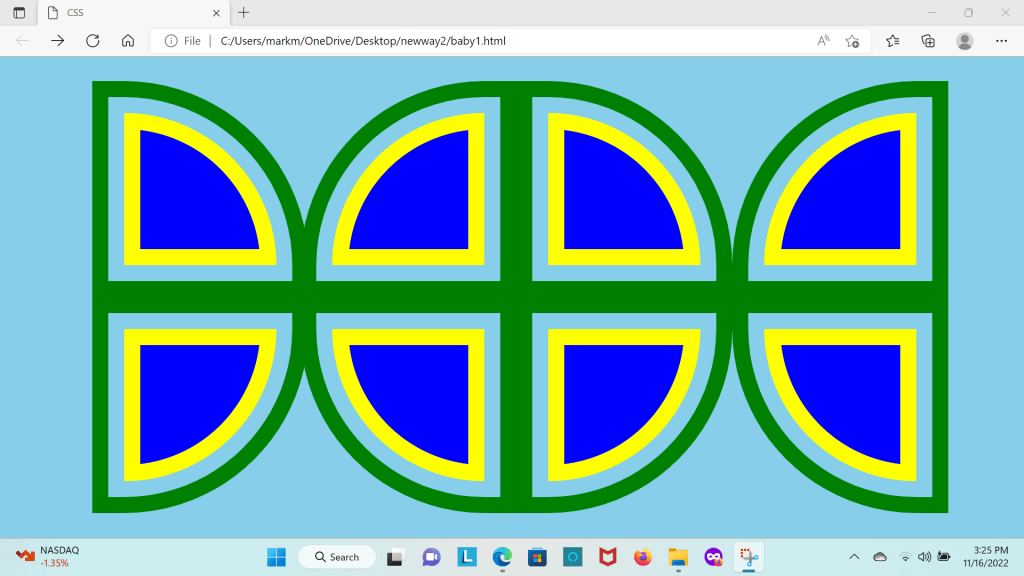
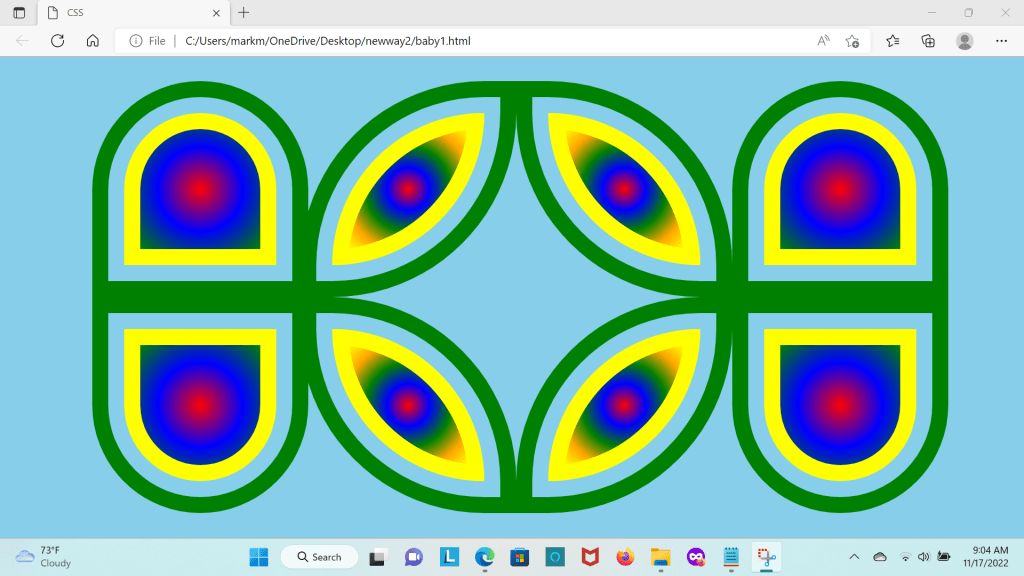
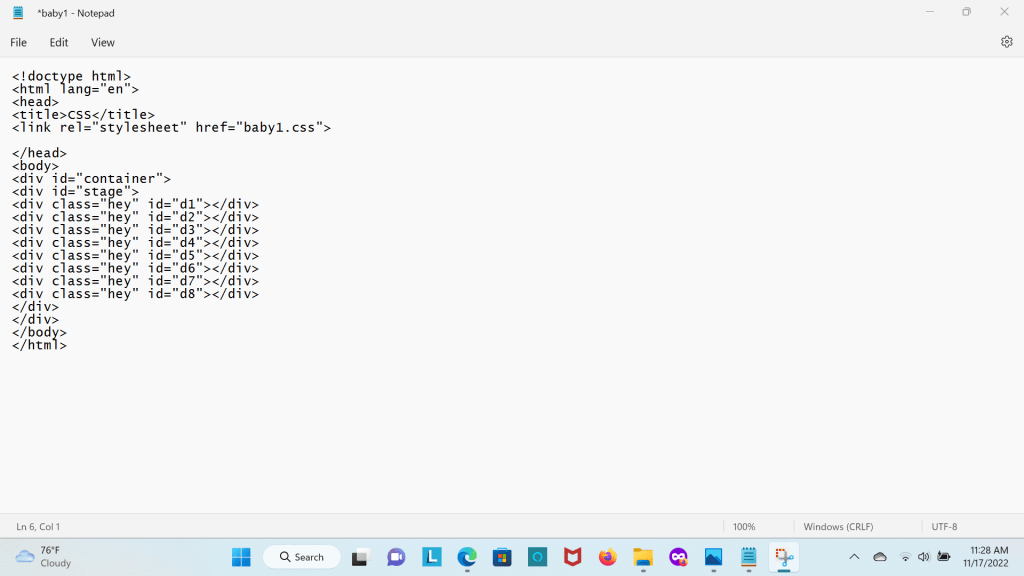
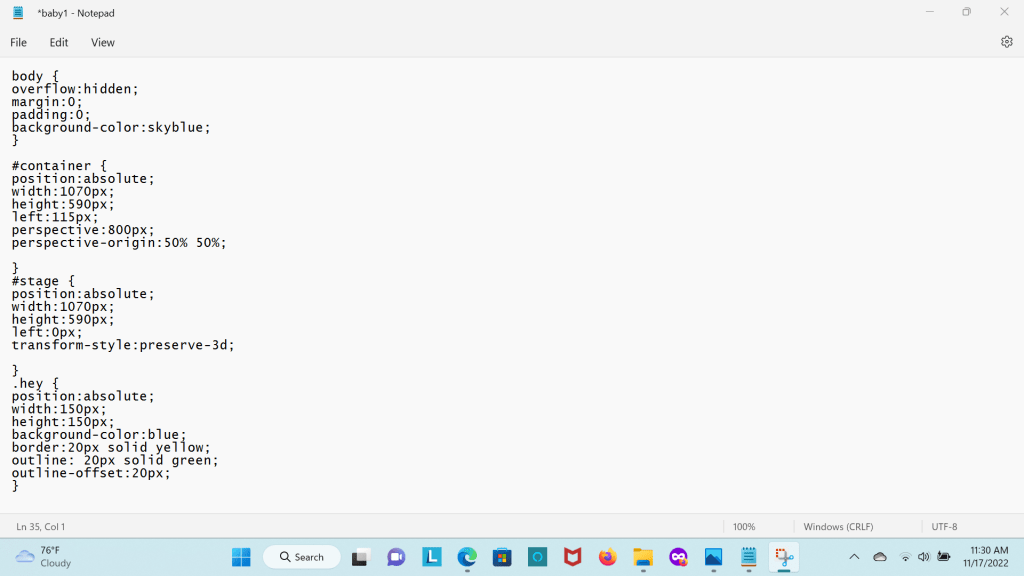
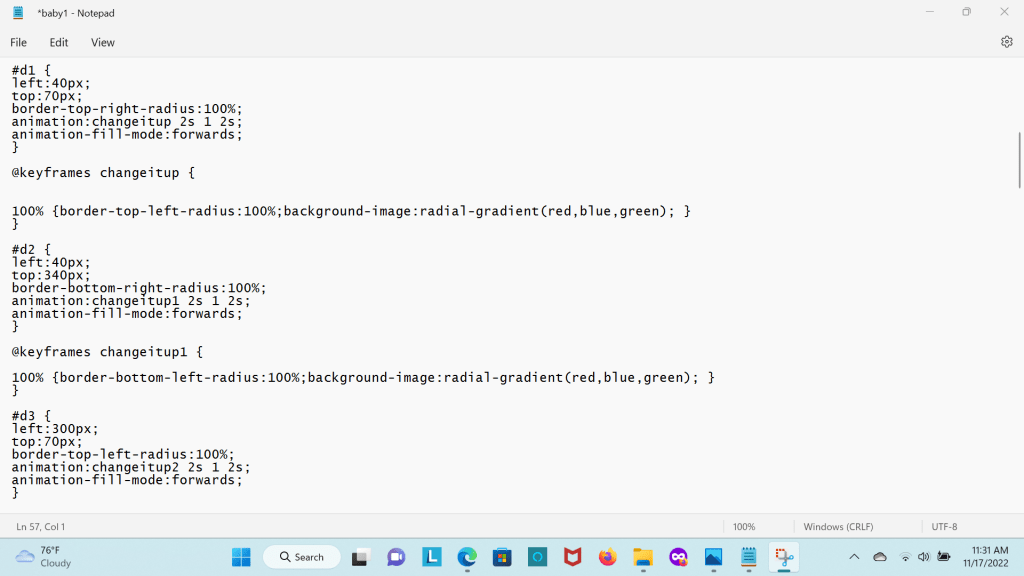
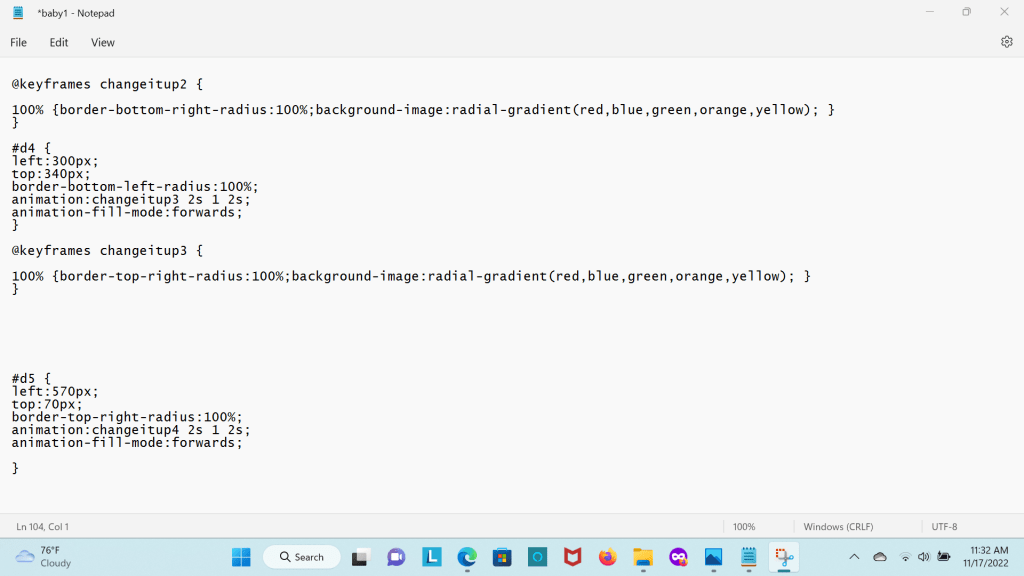
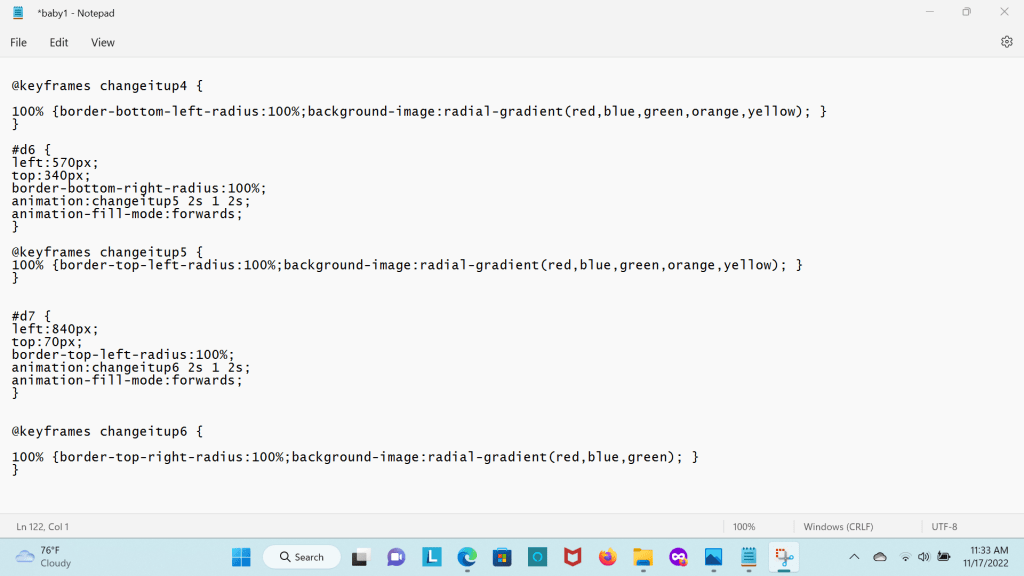
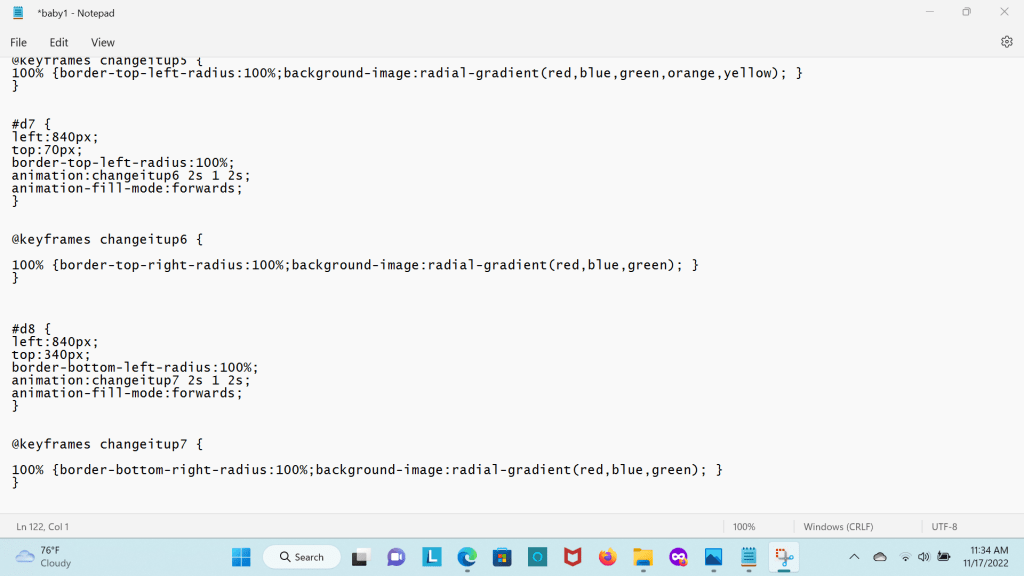
I used a webpage that is linked to a css page to create keyframe animations in css. I start out with a web page that has 8 div elements that are inside 2 other div elements that I do not use. I then create a class for the div that have similar properties. I position each div separately use a different border radius and use keyframe animations to change the page. Below is a short video of it.

OUTLINES AND BORDERS IN CSS

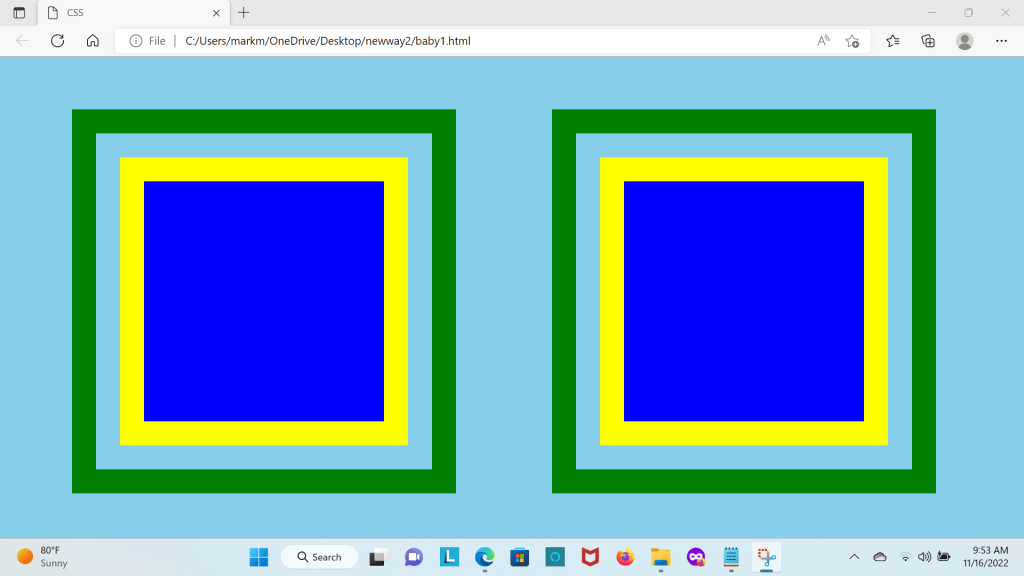
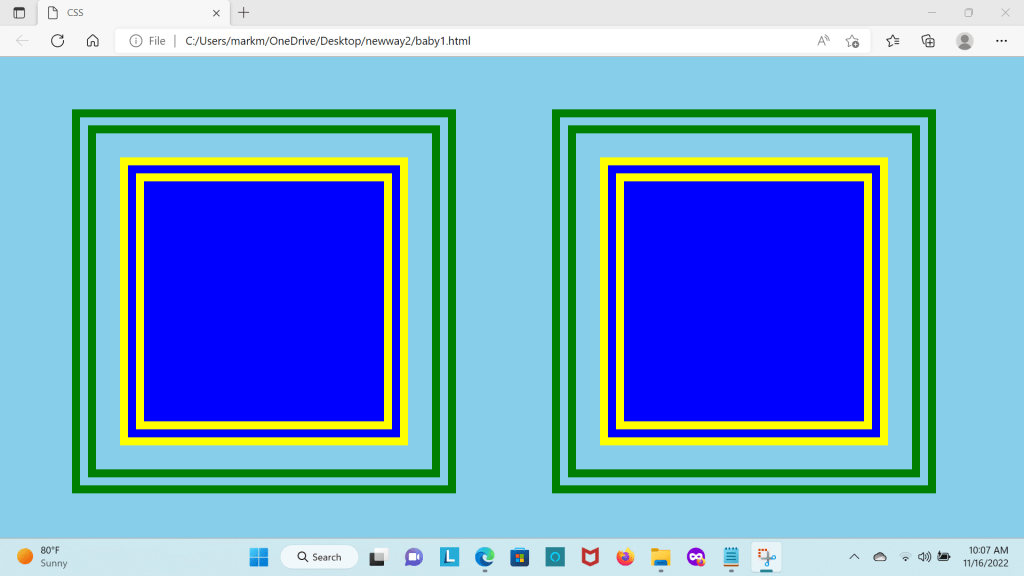
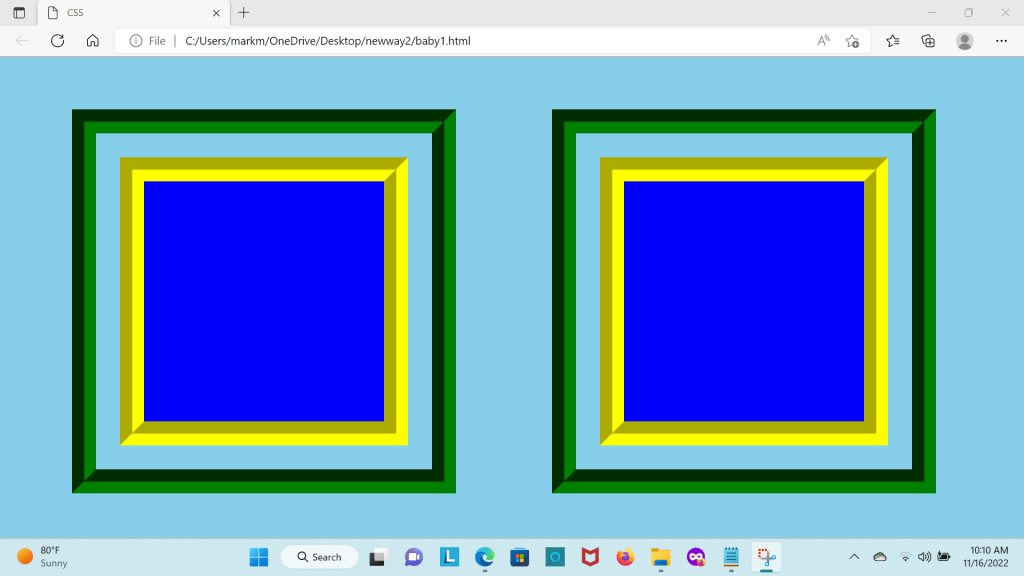
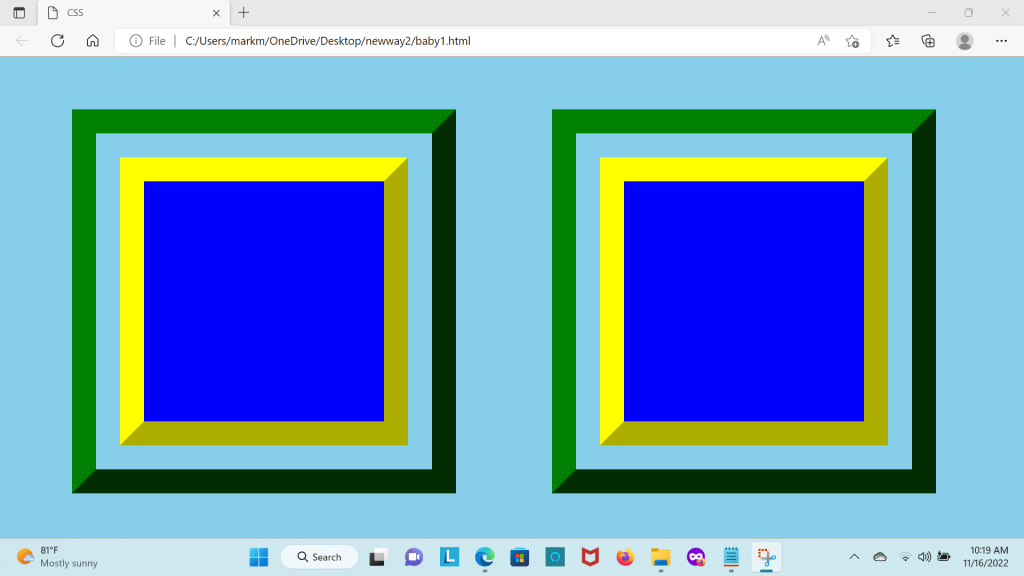
You have many borders and outlines to choose in CSS below is the webpage where I was able to create different borders and outlines
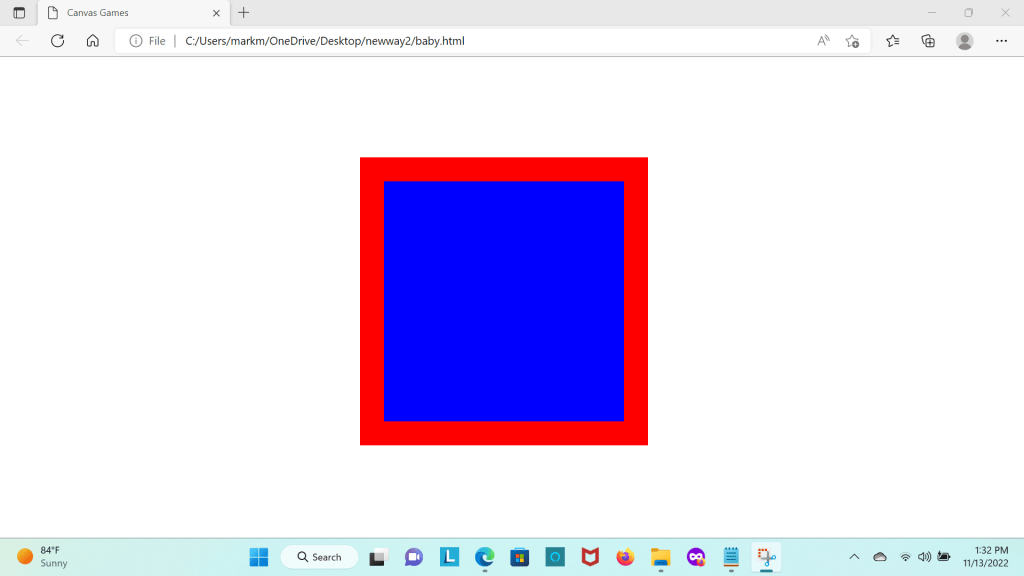
I used 2 div elements positioned them apart set the width and height to 200px

then I created a key frame animation to change the border and the outline. I also offset the outline by 30px. The color of the border is yellow and color of the outline is green

CSS TIPS AND TRICKS

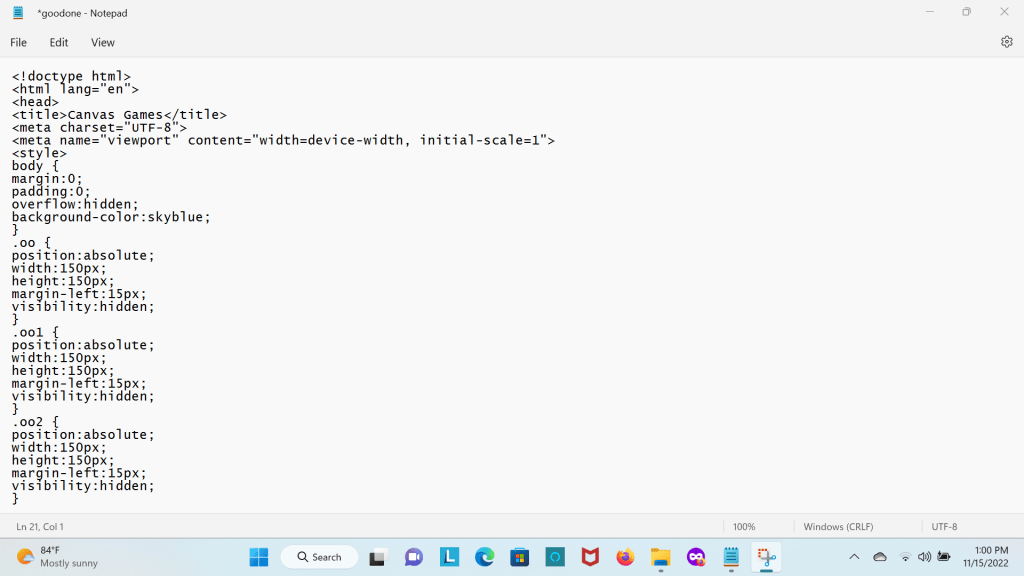
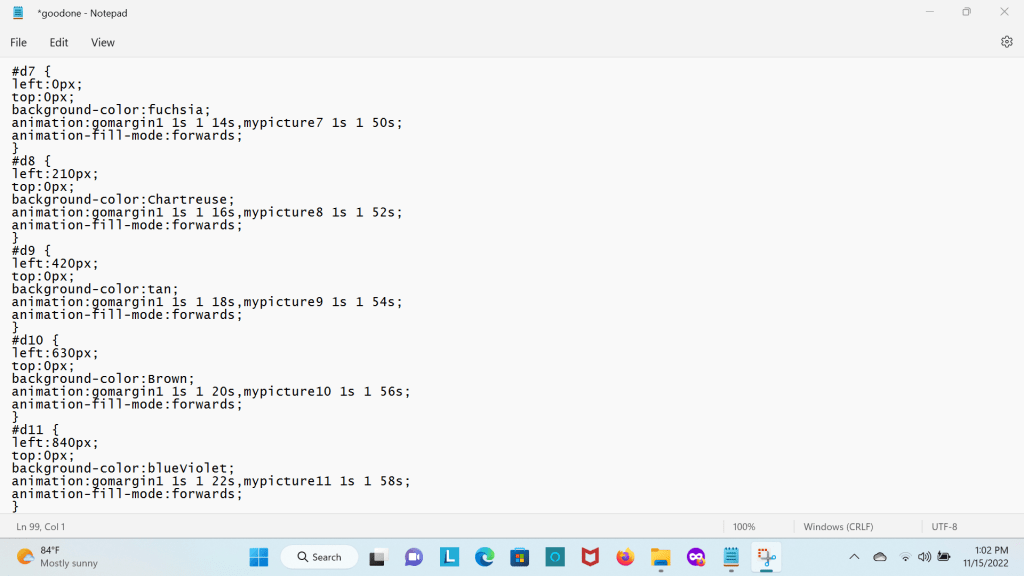
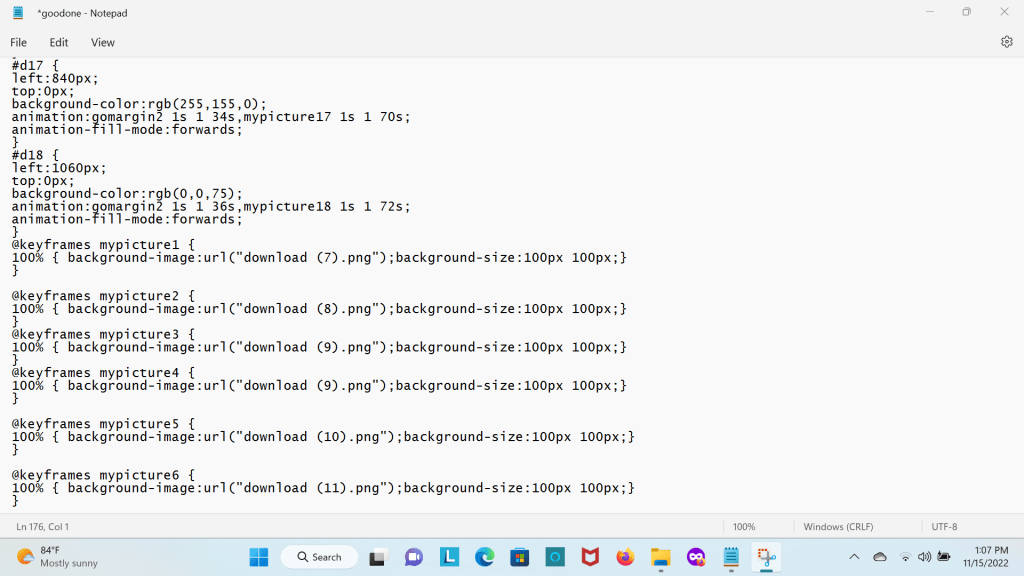
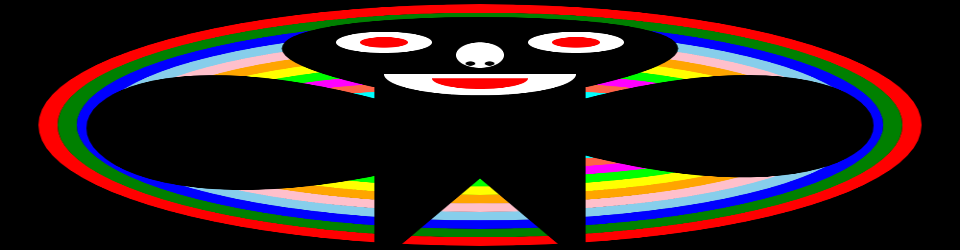
I wrote a webpage with CSS ANIMATIONS I animated 18 div elements. I made them all invisible at first then though css animations I had the div elements appear. To move them down the page I used the margin-top property while the element was going down I turned the square div element into a round div element giving each one a different color. Each of the div elements were divided into 3 classes. Each div had a different position and the 3 classes had 3 different margin-top properties

BORDER RADIUS IN CSS

CSS is what is used to style web pages it has come a long way over the years.

You can put a border around any element in CSS. You can use a lot of different

styles on a border. You can use solid,dotted,dash and many others

. You can also change the width of the element any size you want, and you can use any color you want.

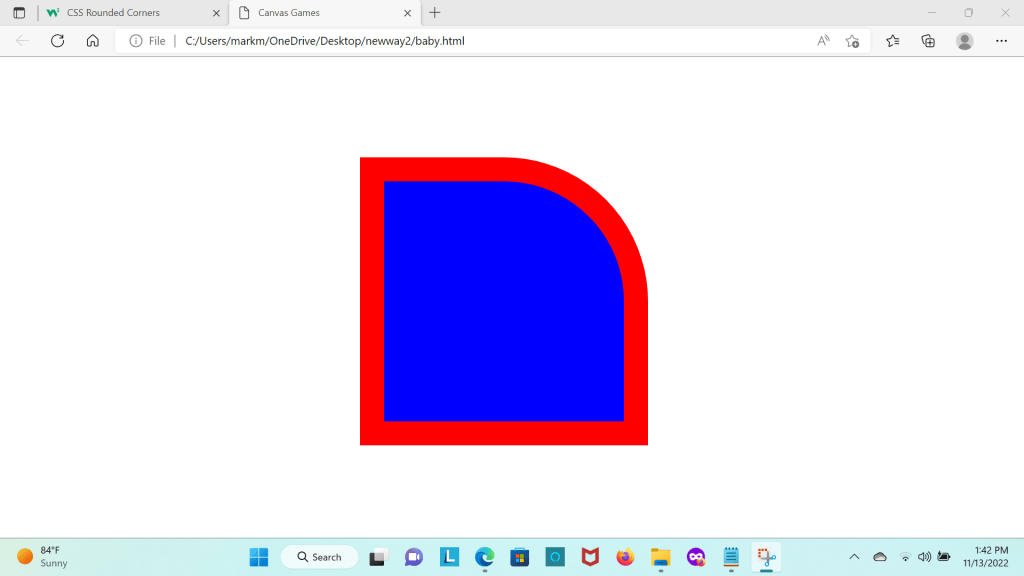
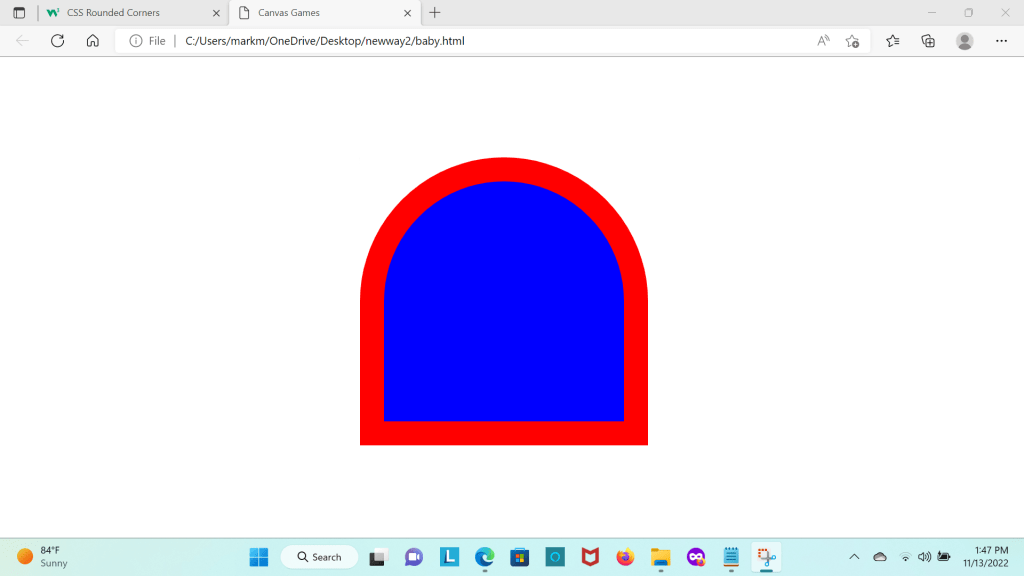
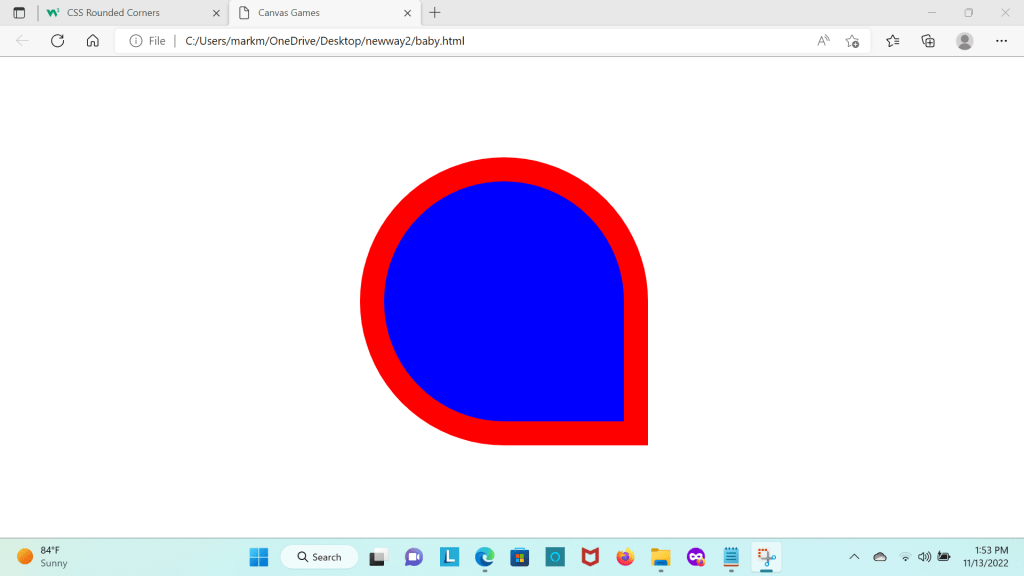
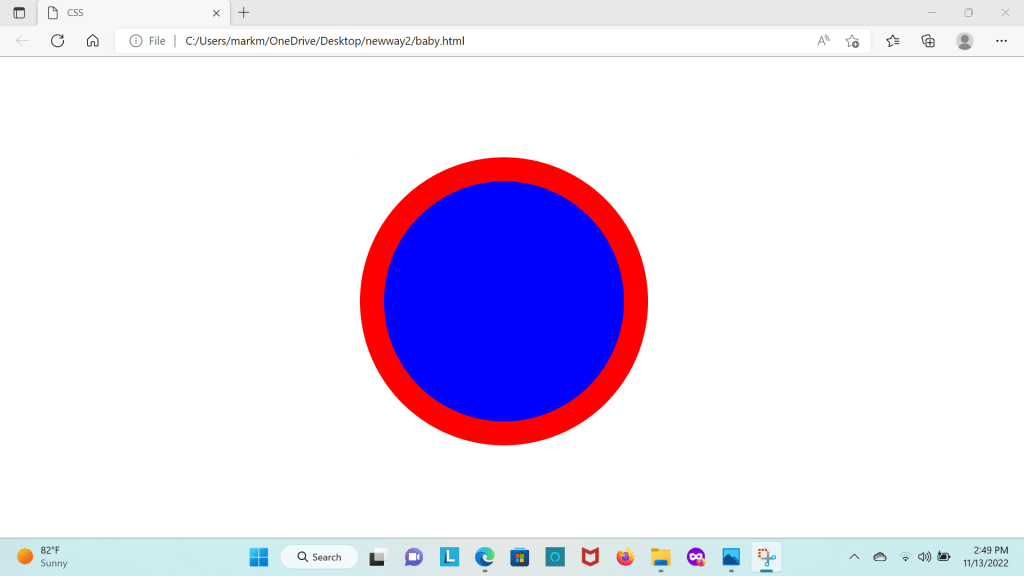
Example of border radiuses below is the web page I used